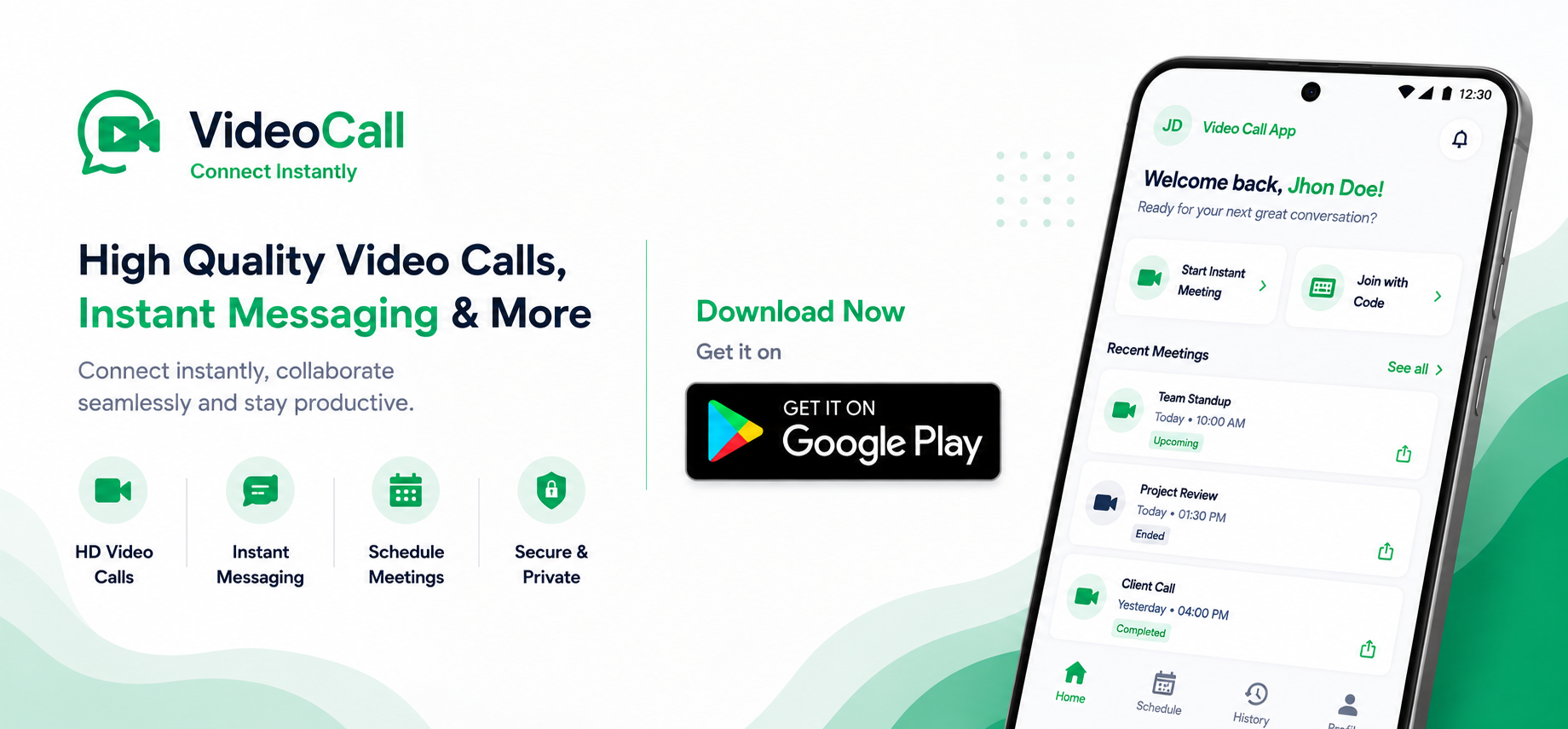
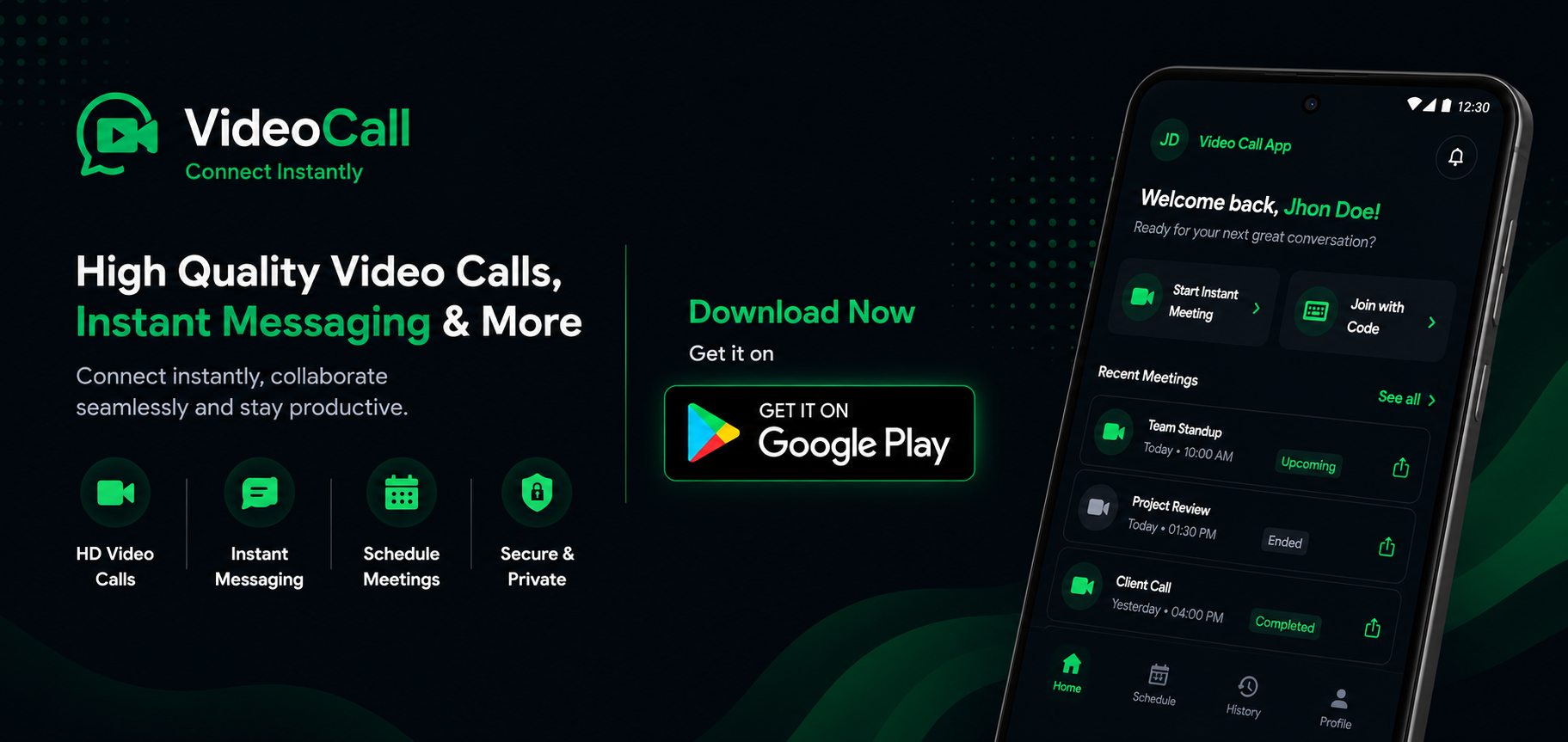
VideoCall.cc is on Android Get the app
NEW Meetings + chat, in one room

Serious meetings.
Genuinely fun rooms.

VideoCall.cc puts crisp video and a lively chat side by side — professional, but never stiff. No downloads, no sign-ups. Just share a link.

Free to use Works in any browser No app required
👋 Theo joined
🎉 12 reactions
Live · Design sync
R
Rosa
T
Theo
N
Nadia
+5
5 more
Chat
Rosa
Can everyone see my screen? 👀
👍 4✅ 2
Crystal clear. Looks great! 🙌
Say something…
Download VideoCall.cc on Google PlayDownload VideoCall.cc on Google Play

Made for the way teams & friends actually meet:

Teams Classrooms Family Clients
Three steps

From idea to face-to-face in seconds

No scheduling gymnastics, no install screen. Open, share, talk.

1

Open a room

Hit “Start a room.” A private room is ready instantly — give it a title and, if you like, a password.

2

Share the link or code

Send the room link or short code. People open it and land straight inside — no account needed.

3

Meet & chat

Talk, share your screen, drop messages and reactions. Stay as long as you like — no time limit.

Everything in one room

Pro on the outside.
Playful on the inside.

The tools you’d expect from a serious meeting app — wrapped in something people enjoy opening.

Sharp HD video

Smooth, adaptive video and clear audio that holds steady even on a wobbly connection.

Live chat & reactions

Drop messages, links and emoji reactions right beside the call — no side app needed.

One-tap screen share

Present a deck, demo or doc instantly. Everyone follows along in real time.

Guests, no friction

Send a link and people walk straight in. Accounts are optional, never required.

Private & locked

Protect any room with a password, and only the creator can end the meeting.

No time limits

Talk for two minutes or two hours. There’s no countdown clock and no paywall.

Your call

Two ways in. Both free.

Jump in as a guest with nothing but a link — or make an account when you want your rooms saved.

Join as a guest

Fastest way in — perfect for one-off calls

  • No account, no sign-up
  • Create or join with just your name
  • Open or join straight from a shared link
  • Guest creators can end their own room
Start as guest
More control

Create an account

For people who meet more than once

  • A dashboard of upcoming, live & past rooms
  • Schedule meetings ahead of time
  • A profile with your name and photo
  • Reuse and manage rooms you’ve made
Create free account
The fun part

Chat that keeps the energy up.

Meetings don’t have to be silent grids of faces. Toss a reaction, fire off a quick message, or raise a hand — all without breaking the flow of the call.

  • Emoji reactions that pop on screen for everyone to see.
  • Inline chat for links, notes and side conversations.
  • Raise hand & typing cues so nobody talks over each other.
N
Nadiareacting to Rosa’s screen
👍 8🎉 5😂 3❤️ 6🙌 4 Raise hand
Plan ahead

Schedule it now, meet it later.

With an account you can set a room for a future date and time, give it a length, and find it waiting in your dashboard. Spontaneous works too — leave the time blank and your room is live right now.

  • Pick a start time and a meeting length when you create it.
  • Sorted automatically into upcoming, live and past rooms.
  • Quiet cleanup — rooms left empty close themselves.
Your rooms Dashboard
24
Jun
Design sync10:00 · 30 min
● Live
25
Jun
Client walkthrough14:30 · 45 min
Upcoming
26
Jun
Team retro16:00 · 60 min
Locked
Get people in

Share a room your way

Every room comes with a link and a short code. Send it however suits the moment.

Yours to control

Private by default, locked when you want.

VideoCall.cc keeps the controls in the host’s hands and runs on open, community-driven technology — never a closed, proprietary box.

Password-protected rooms

Add a password and only the people you share it with can get in.

Encrypted in transit

Your stream is encrypted on the way through and isn’t recorded or stored.

Host ends the room

Only the creator can end a meeting and disconnect everyone at once.

Open standards

Built on open technology — no proprietary lock-in.

Anywhere you are

One room, every device

If it has a browser, it can join. No installs to chase down before a call.

DesktopChrome, Edge, Firefox, Safari
Mobile webiOS & Android browsers
TabletBig-screen friendly layout
Mobile appCompanion app on the way
Good to know

Questions, answered

No. VideoCall.cc runs entirely in your browser on computers, phones and tablets. If you can open this page, you can join a call.
Not at all. Anyone can create or join a room as a guest with just their name. An account is optional — it lets you save, schedule and manage your own rooms from a dashboard.
No. Stay in your room as long as the conversation needs — no per-meeting cap and no paywall. Rooms left completely empty close themselves automatically.
Add a password when you create the room — guests then need it to join. Calls are encrypted in transit and aren’t recorded, and only the room’s creator can end the meeting for everyone.
Yes, with an account. Set a start time and a length when you create the room, and it’ll show up under “upcoming” in your dashboard until it’s time to meet.
It’s built on open, community-driven technology with no proprietary lock-in — and it’s free to keep using.

Your room is one click away.

No app, no account, no setup. Start a room and share the link in seconds.