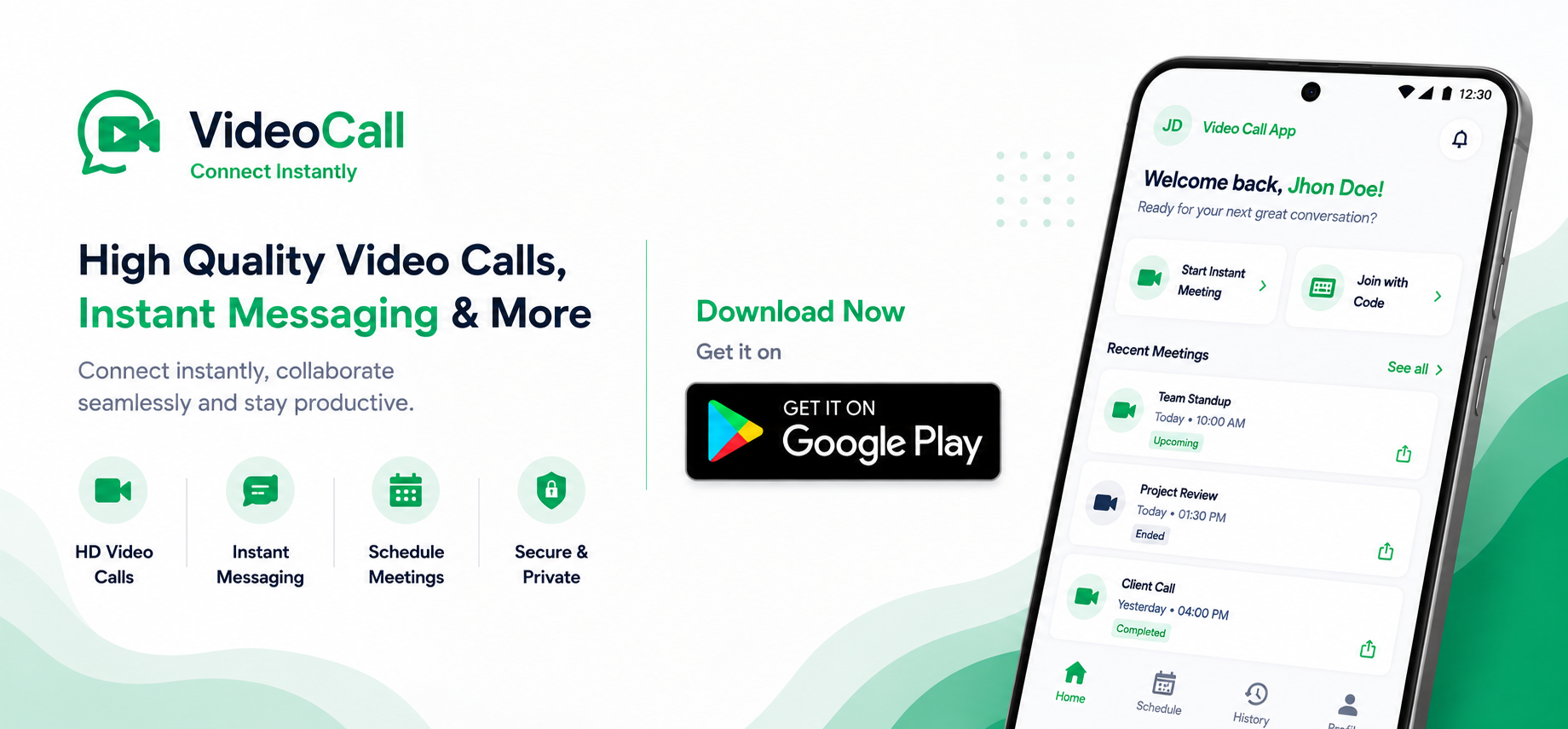
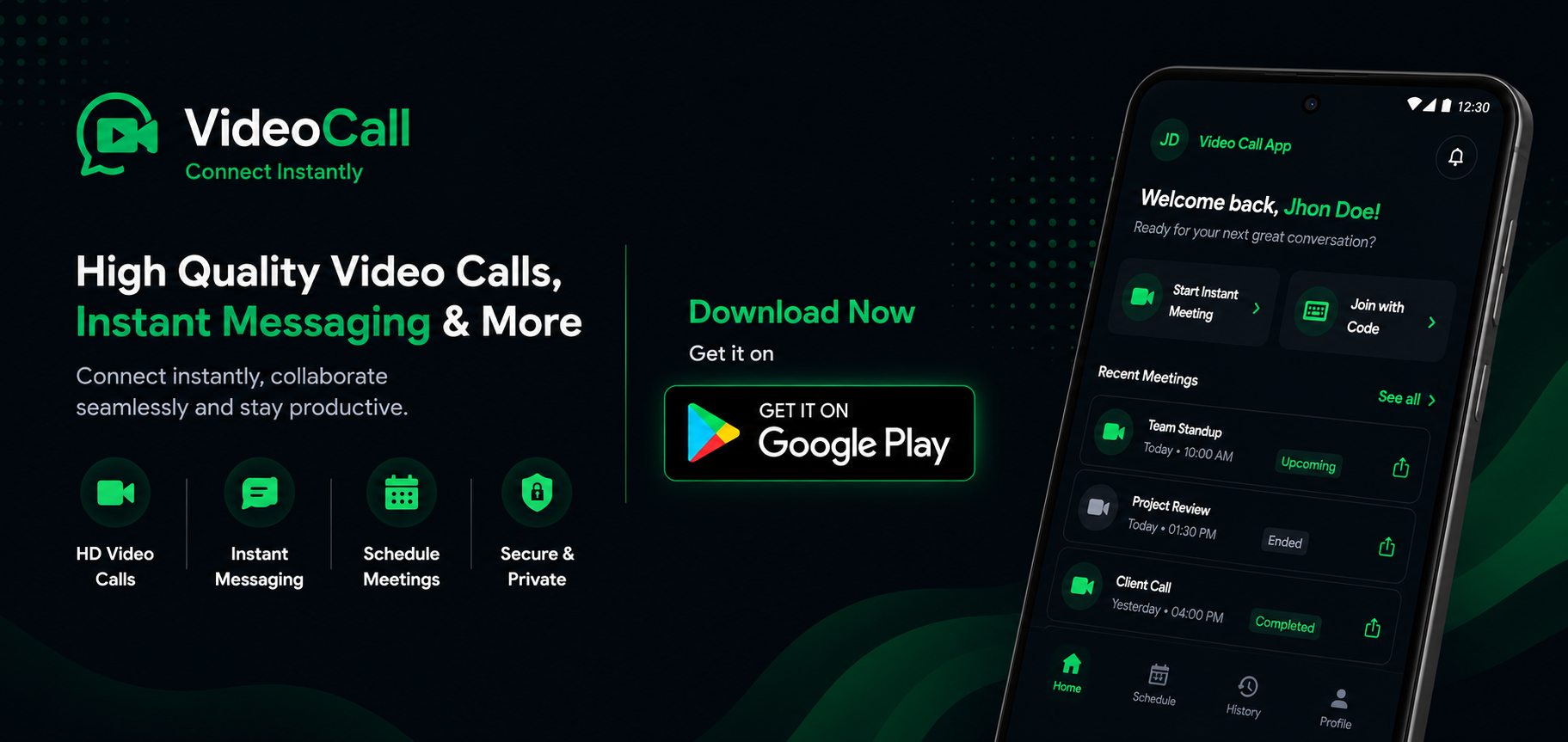
VideoCall.cc is on Android Get the app
NEW Meetings + chat, in one room

Online meeting platform for
teams, schools and businesses.

Start a professional online meeting or browser-based video call in seconds. VideoCall.cc brings video, meeting chat, screen sharing and guest access together - no download or account required.

Free to use Works in any browser No app required
👋 Theo joined
🎉 12 reactions
Live · Design sync
R
Rosa
T
Theo
N
Nadia
+5
5 more
Chat
Rosa
Can everyone see my screen? 👀
👍 4✅ 2
Crystal clear. Looks great! 🙌
Say something…
Download VideoCall.cc on Google PlayDownload VideoCall.cc on Google Play

Online meetings for the way people actually work and learn:

Teams Classrooms Communities Client meetings
Three steps

Conduct online meetings in three simple steps

Start an instant meeting or schedule one for later. Open, share, talk.

1

Create an online meeting

Start an instant private meeting, give it a title and add a password when you need one.

2

Invite meeting guests

Share the meeting link or short code. Guests can join in their browser without an account.

3

Meet, chat and share

Talk, share your screen, drop messages and reactions. Stay as long as you like - no time limit.

Everything in one room

Meeting tools for work, learning and collaboration.

Everything you need for a browser-based online meeting, wrapped in something people enjoy opening.

HD video calls and meetings

Smooth, adaptive video and clear audio for online meetings and video calls on any connection.

Meeting chat and reactions

Drop messages, links and reactions beside the meeting - no side app needed.

Meeting screen sharing

Present a deck, demo or document instantly. Everyone follows along in real time.

Guest meeting access

Send a link and guests walk straight into the meeting. Accounts are optional.

Password-protected meetings

Protect a meeting with a password, and only its creator can end it.

Free online meetings

Meet for two minutes or two hours. There is no countdown clock or paywall.

Built for real meetings

One online meeting platform, many ways to use it.

Run the conversations that move work, learning and communities forward without making anyone install software.

Business and client meetings

Host client walkthroughs, interviews, project reviews and remote team meetings with a shareable link.

Online classes and tutoring

Create a virtual classroom for lessons, tutoring sessions, training and student collaboration in any browser.

Remote team collaboration

Start instant team meetings for standups, planning, demos and decisions, with chat and screen sharing in the same room.

Your call

Two ways in. Both free.

Jump in as a guest with nothing but a link — or make an account when you want your rooms saved.

Join as a guest

Fastest way in — perfect for one-off calls

  • No account, no sign-up
  • Create or join with just your name
  • Open or join straight from a shared link
  • Guest creators can end their own room
Start as guest
More control

Create an account

For people who meet more than once

  • A dashboard of upcoming, live & past rooms
  • Schedule meetings ahead of time
  • A profile with your name and photo
  • Reuse and manage rooms you’ve made
Create free account
The fun part

Chat that keeps the energy up.

Meetings don’t have to be silent grids of faces. Toss a reaction, fire off a quick message, or raise a hand — all without breaking the flow of the call.

  • Emoji reactions that pop on screen for everyone to see.
  • Inline chat for links, notes and side conversations.
  • Raise hand & typing cues so nobody talks over each other.
N
Nadiareacting to Rosa’s screen
👍 8🎉 5😂 3❤️ 6🙌 4 Raise hand
Plan ahead

Schedule future online meetings.

With an account you can schedule a meeting for a future date and time, choose its length, and find it waiting in your meeting dashboard. Need to meet now? Start an instant meeting instead.

  • Pick a start time and a meeting length when you create it.
  • Sorted automatically into upcoming, live and past rooms.
  • Quiet cleanup — rooms left empty close themselves.
Your rooms Dashboard
24
Jun
Design sync10:00 · 30 min
● Live
25
Jun
Client walkthrough14:30 · 45 min
Upcoming
26
Jun
Team retro16:00 · 60 min
Locked
Get people in

Share a room your way

Every room comes with a link and a short code. Send it however suits the moment.

Yours to control

Private by default, locked when you want.

VideoCall.cc keeps the controls in the host’s hands and runs on open, community-driven technology — never a closed, proprietary box.

Password-protected rooms

Add a password and only the people you share it with can get in.

Encrypted in transit

Your stream is encrypted on the way through and isn’t recorded or stored.

Host ends the room

Only the creator can end a meeting and disconnect everyone at once.

Open standards

Built on open technology — no proprietary lock-in.

Anywhere you are

Browser-based online meetings from any device.

If it has a browser, it can join. No installs to chase down before a meeting.

DesktopChrome, Edge, Firefox, Safari
Mobile webiOS & Android browsers
TabletBig-screen friendly layout
Android meeting appVideoCall.cc meetings on Android
Good to know

Questions, answered

Yes. Anyone can create or join an online meeting as a guest with just their name. An account is optional and lets you save, schedule and manage meetings from a dashboard.
No. VideoCall.cc runs entirely in your browser on computers, phones and tablets. If you can open this page, you can join a meeting.
Yes, with an account. Choose a start time and meeting length when you create it, and it will appear under upcoming meetings in your dashboard.
Yes. Use meeting screen sharing to present a deck, demo, document or browser tab while everyone stays together in the same meeting room.
Yes. Use it for remote team meetings, client walkthroughs, tutoring, online classes, training and private group conversations. Guests can join from a shared meeting link.
Add a password when you create the meeting. Guests then need it to join. Calls are encrypted in transit, are not recorded, and only the meeting creator can end the meeting for everyone.
No. Stay in a meeting as long as the conversation needs - there is no per-meeting cap or paywall. Rooms left completely empty close automatically.

Your online meeting is one click away.

No app, no account, no setup. Start a meeting and share the link in seconds.